10 Best Free QR Code Generators in 2026
We compare 10 free QR code generators by sign-up requirements, design options, logo support, export formats, dynamic codes, and analytics.
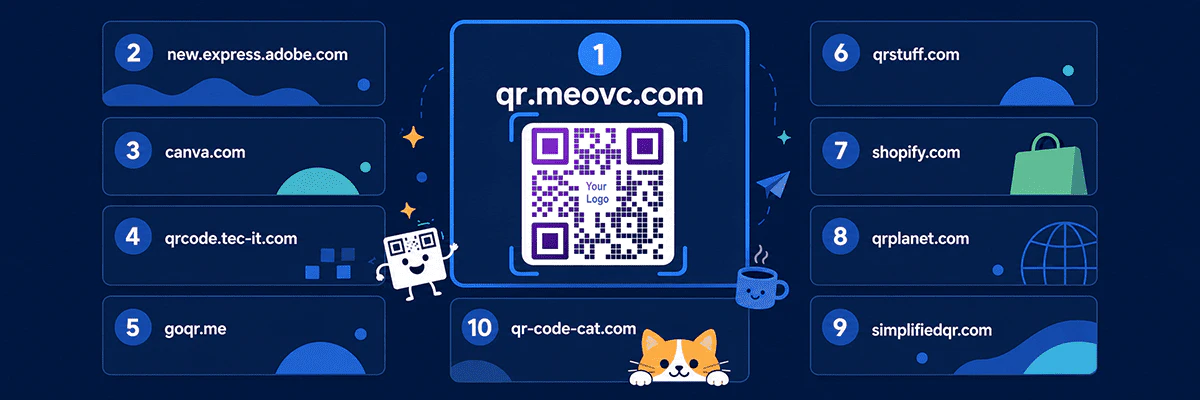
QR codes show up on business cards, packaging, menus, marketing materials, websites, and documents. A good free generator should create a code quickly, let you download it without a watermark, and ideally give you some control over its appearance—all without sending you through seven sign-up screens and one surprise subscription.
Below are ten free tools for a range of needs, from turning a simple link into a QR code to creating branded, dynamic codes with analytics. Free-plan terms change, so it is worth checking your chosen service's current limits before committing to a large print run.
Try free MeoVC QR Code Generator
1. MeoVC Free QR Code Generator
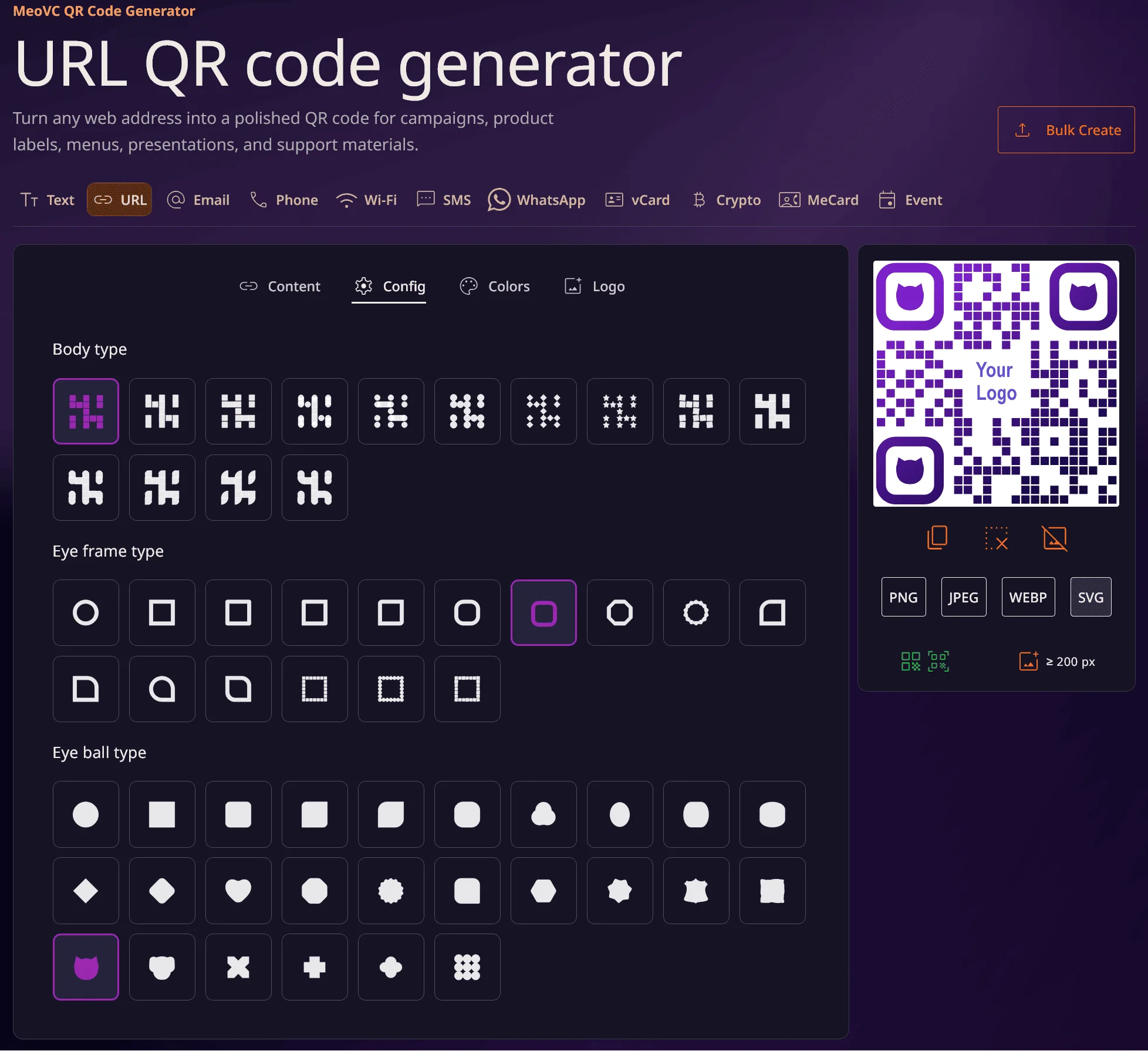
MeoVC Free QR Code Generator is one of the most capable free options, with a broad selection of customization features and supporting tools.
MeoVC pros
- Create QR codes for free without signing up.
- No watermarks, ads, or MeoVC branding inside the finished QR code.
- A wide selection of dot (module) and corner styles.
- Custom colors and gradients.
- Support for adding your own logo.
- Export to PNG, JPEG, SVG, and WebP.
- Copy the finished image straight to your clipboard.
- Support for URLs, phone numbers, email, WhatsApp, Wi-Fi, vCards, and other data types.
- Bulk QR code generation from CSV, XLSX, TXT, MD, and ZIP files, with free export of the results.
- Static codes are generated in your browser, so the data you enter is never sent to a server.
- Static QR codes do not expire and can be used commercially.
- A dedicated text mode that works without a website or an intermediate landing page.
- Free registration unlocks dynamic QR codes, editable destination URLs, and scan analytics.
- Analytics include referral source, approximate scan time, country, device, and operating system.
- Automatic checks for contrast and compatibility with both older and newer scanners.
MeoVC cons
- Dynamic QR codes and analytics require an account: the service has not yet mastered collecting statistics telepathically.
Verdict: the best all-around choice if you want deep customization, logo support, several export formats, and the option to move to dynamic codes later without switching services.
2. Adobe Express
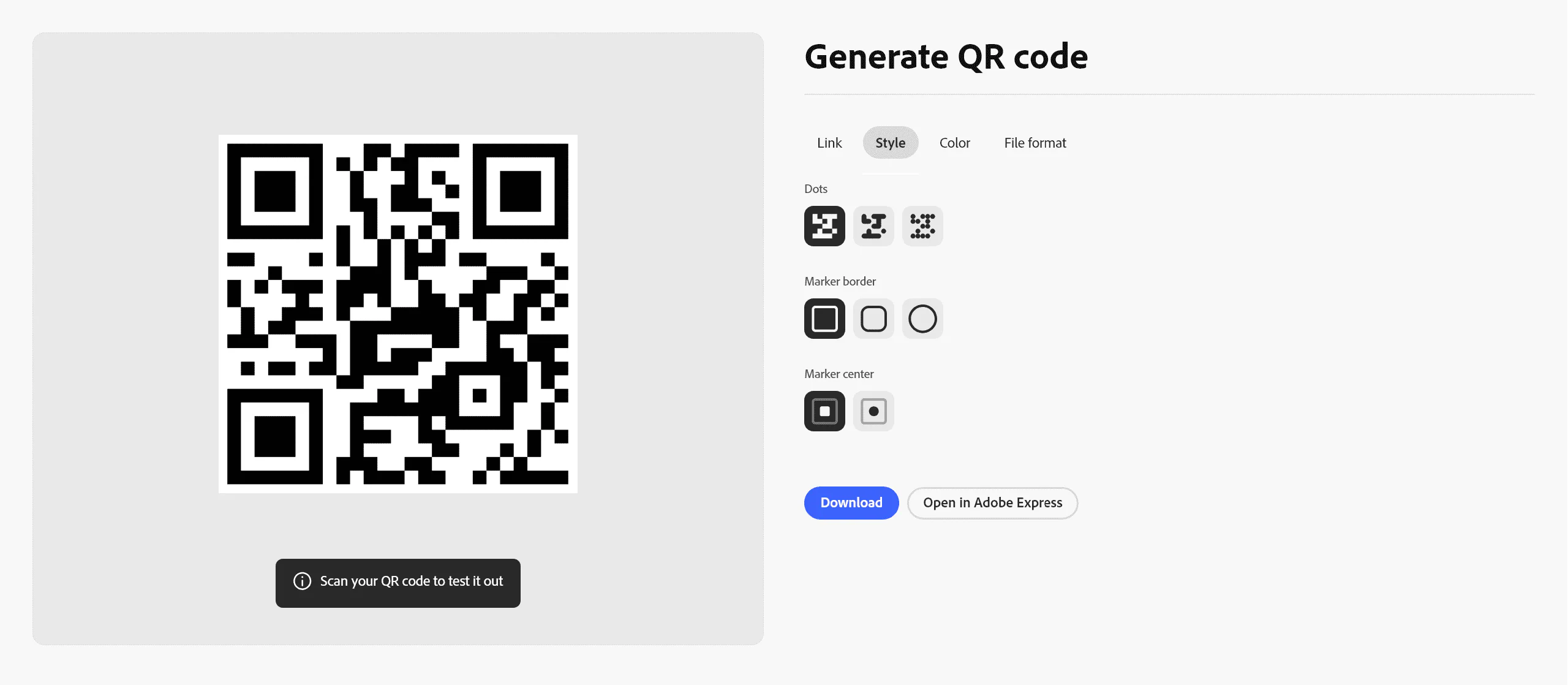
Adobe's QR code generator is built into Adobe Express, making it convenient for anyone who is also creating banners, business cards, flyers, or other visual assets.
Adobe Express pros
- Simple interface.
- Options to change the QR code's color and style.
- Ready-made design templates.
- Continue editing the QR code inside Adobe Express.
- Export to common formats, including PNG, JPEG, and PDF.
- QR codes have no set expiration date.
- Works on desktop, smartphone, and tablet.
Adobe Express cons
- The main workflow is designed primarily for URLs.
- More advanced editing gradually pulls you further into the Adobe Express ecosystem.
- If all you need is a quick, technical QR code, the interface may feel heavier than a purpose-built generator.
3. Canva
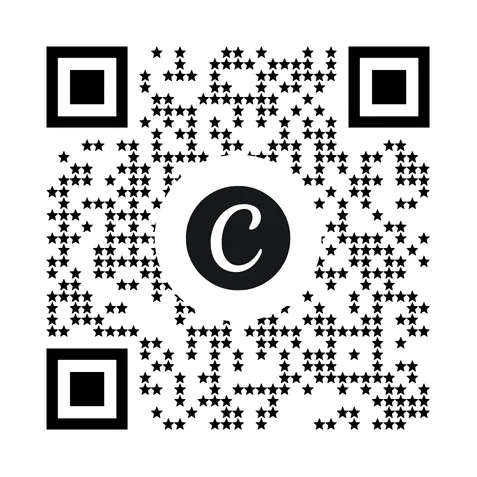
Canva is most convenient for people who already use it to create presentations, posters, menus, business cards, or social media posts.
Canva pros
- Add a QR code directly to an existing Canva design.
- Support for both static and dynamic QR codes.
- Well suited to menus, business cards, print materials, and other marketing assets.
- Resize and reposition a QR code within your layout.
- Strong integration with Canva's broader template library.
Canva cons
- A Canva account is required.
- The QR code itself has a relatively limited range of styling options.
- Dynamic-code analytics are not available on every plan.
- Free dynamic QR codes may come with limits or Canva branding.
- If you only need a QR code, Canva can feel like firing up an entire design studio for one tiny black-and-white sticker.
4. TEC-IT
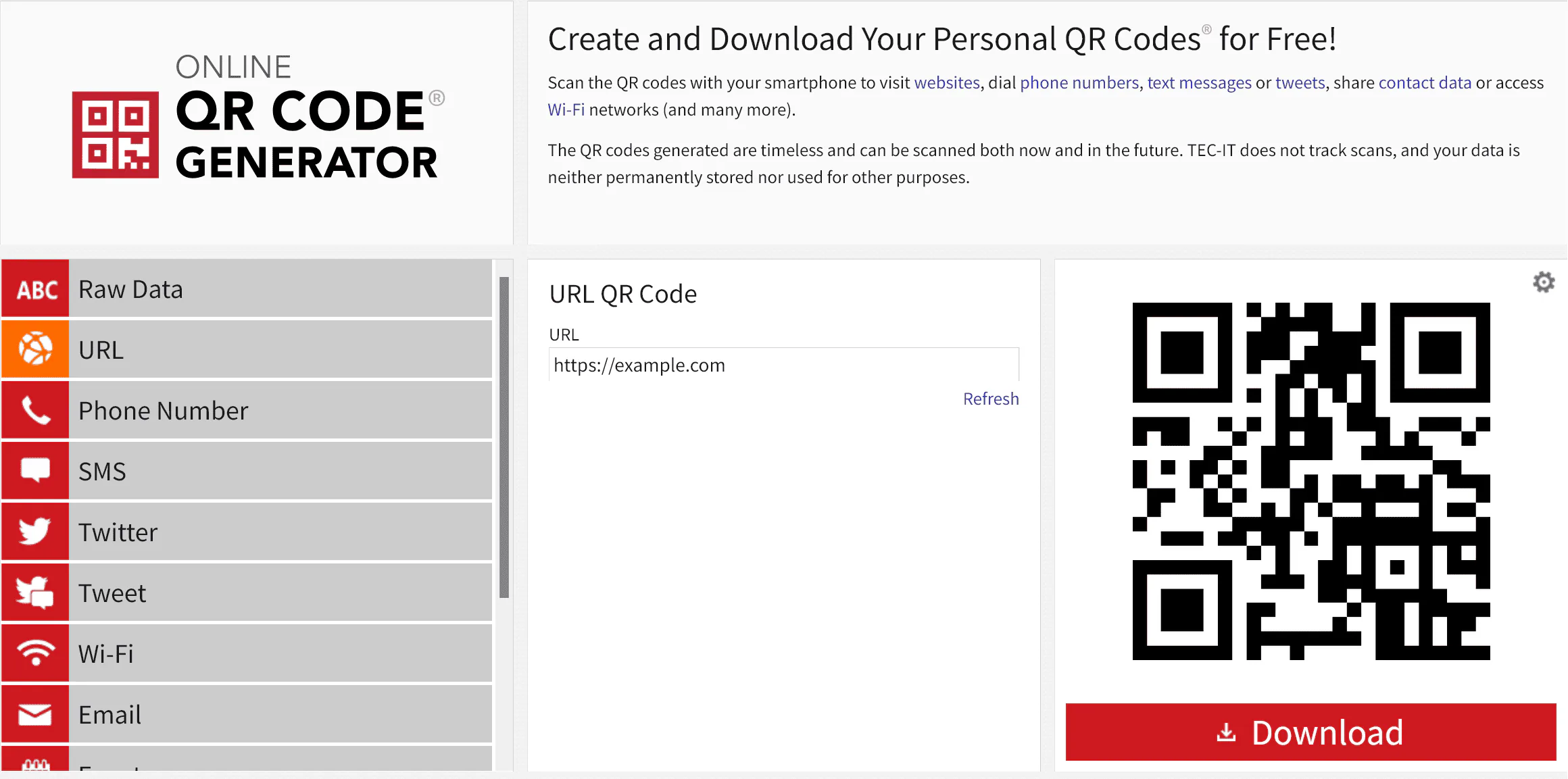
TEC-IT is a long-established, capable generator that handles not only QR codes but several other barcode formats as well.
TEC-IT pros
- Support for URLs, text, phone numbers, SMS, Wi-Fi, email, events, vCards, MeCards, and more.
- Adjustable error-correction level.
- Controls for colors, DPI, and the quiet zone around the QR code.
- A good fit for technical and print workflows.
- Standard QR codes do not depend on a mandatory intermediary page hosted by the service.
- TEC-IT says it does not track scans of standard QR codes.
TEC-IT cons
- Officially, free use is aimed primarily at private and non-commercial purposes.
- The interface looks more technical and less modern than Canva or Adobe Express.
- Some settings may be unclear to beginners.
5. goQR.me
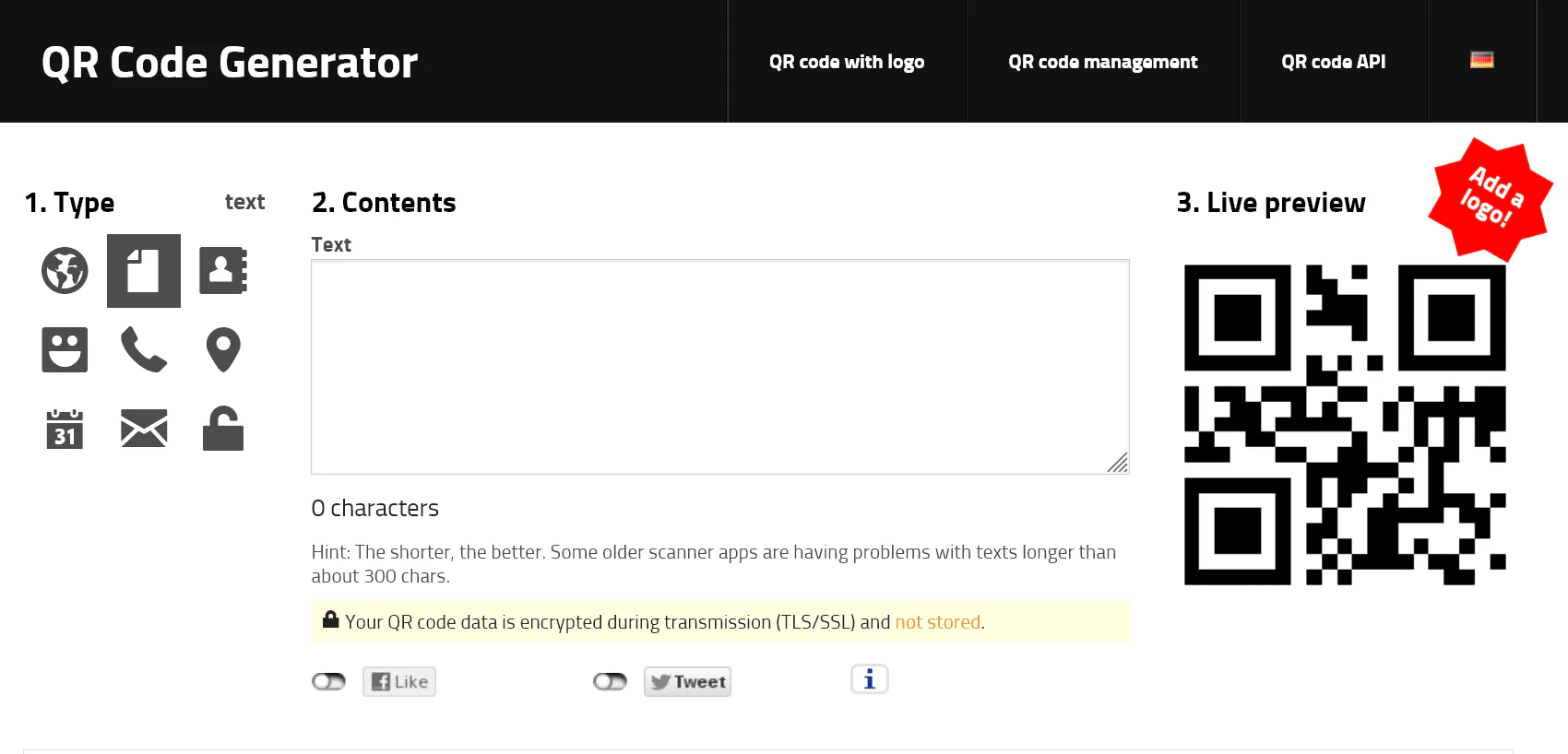
goQR.me is a straightforward, old-school generator for anyone more interested in getting a QR code quickly than joining a marketing platform.
goQR.me pros
- Free QR code creation.
- Support for URLs, plain text, SMS, and vCards.
- Codes are generated almost instantly as you type.
- Export to PNG, JPEG, GIF, SVG, EPS, and PDF.
- Vector formats are available for professional printing.
- Generated QR codes are free to use commercially.
- An option to embed QR codes on a website.
- No complicated setup.
goQR.me cons
- The interface looks dated.
- Visual customization is more limited than in newer generators.
- Advanced dynamic QR code management lives in a separate service.
6. QRStuff
QRStuff is a feature-rich generator with a large selection of data types and a path from basic static codes to professional dynamic use cases.
QRStuff pros
- Create static QR codes for free.
- No registration required for basic generation.
- More than 50 content types, including URLs, Wi-Fi, vCards, PDFs, menus, and payment use cases.
- Appearance controls and high-resolution downloads.
- Static codes have no expiration date or scan limit.
- Free static QR codes can be used for both personal and commercial purposes.
QRStuff cons
- Dynamic QR codes, editable destination URLs, and advanced analytics are mostly paid features.
- The sheer number of options can make the interface feel crowded.
7. Shopify
A simple free tool from Shopify. It is a good fit when you need a standard QR code without elaborate design options.
Shopify pros
- Free to use, with no Shopify account required.
- Support for URLs, phone numbers, SMS, and plain text.
- Create an unlimited number of QR codes.
- Static codes have no scan limit.
- Suitable for commercial use and printed materials.
Shopify cons
- Limited selection of data types.
- Almost no visual customization.
- The service may ask for your email before delivering the result.
- Not the best choice for branded QR codes.
8. QR Planet
QR Planet combines a simple static QR code generator with additional design options.
QR Planet pros
- Create static QR codes for free without registering.
- Export to high-quality vector formats for print.
- Support for logos, colors, gradients, and ready-made templates.
- Encode links, text, email, WhatsApp, phone numbers, SMS, social profiles, and other data.
QR Planet cons
- Advanced management and dynamic features are reserved for paid plans.
- Some QR code types take more setup than they would in a basic static generator.
9. Simplified QR
A minimalist generator for people who want a QR code without an account, a subscription, or a pile of extra features.
Simplified QR pros
- No registration or subscription required.
- QR codes are created directly in the browser, so your data is not sent to the service's server.
- Support for URLs, Wi-Fi, vCards, SMS, email, and plain text.
- Export to PNG and SVG without a watermark.
- Very simple interface.
Simplified QR cons
- No advanced analytics or full-featured dynamic QR code management.
- Fewer design options than MeoVC, Adobe Express, or specialized marketing platforms.
10. QR Cat
QR Cat is another deliberately simple option when you need a QR code without registration or email collection.
QR Cat pros
- No registration, sign-in, or email required.
- Free generation with no stated daily limit.
- Support for URLs, text, and Wi-Fi credentials.
- QR codes are created directly in the browser.
- The service says the data you enter is not stored on its server.
- Export to PNG and SVG.
QR Cat cons
- Fewer QR code types than QRStuff or TEC-IT.
- Virtually no analytics or campaign management.
- Styling controls are limited compared with more advanced generators.
Free QR code generator comparison
| Service | No sign-up | Customization | Logo | SVG | Dynamic QR codes | Analytics |
|---|---|---|---|---|---|---|
| MeoVC | Yes | Extensive | Yes | Yes | Yes, after registration | Yes |
| Adobe Express | Partly | Extensive | Yes | Limited | Not a core feature | Limited |
| Canva | No | Limited for the QR code itself | Limited | Through a design | Yes | On selected plans |
| TEC-IT | Yes | Moderate | Limited | Yes | Not a core feature | No, for standard QR codes |
| goQR.me | Yes | Limited | Separate feature | Yes | Through a separate platform | Through a separate platform |
| QRStuff | Yes | Moderate | Yes | Yes | Mostly paid | Mostly paid |
| Shopify | Yes | Limited | No | Limited | No | No |
| QR Planet | Yes | Moderate | Yes | Yes | On higher-tier plans | On higher-tier plans |
| Simplified QR | Yes | Limited | No | Yes | No | No |
| QR Cat | Yes | Limited | No | Yes | No | No |
Which free QR code generator should you choose?
If you want the most versatile free option without registration, start with MeoVC Free QR Code Generator. It combines color and shape controls, logo support, several export formats, no watermark, and the option to use dynamic QR codes and analytics later.
If you already work in a design platform, Adobe Express and Canva are natural choices. For technical settings and a wider range of data types, take a look at TEC-IT and QRStuff. For simpler jobs, goQR.me, Shopify, Simplified QR, and QR Cat all fit the bill.
Before choosing, check whether the service creates static or dynamic codes. A static QR code stores its data directly in the image, but changing it usually means sticking a new code over the old one. A dynamic code redirects through the provider's server, so its availability, analytics, and editable destination all depend on that service's terms. And always test your code on several phones before sending it to print: a thousand dead stickers are a remarkably efficient way to turn a marketing budget into a collection of useless squares.