QR Codes for Business: 10 Ways to Use Short Links
Ten practical ways to use QR codes and short links in menus, business cards, packaging, advertising, social media, and events.
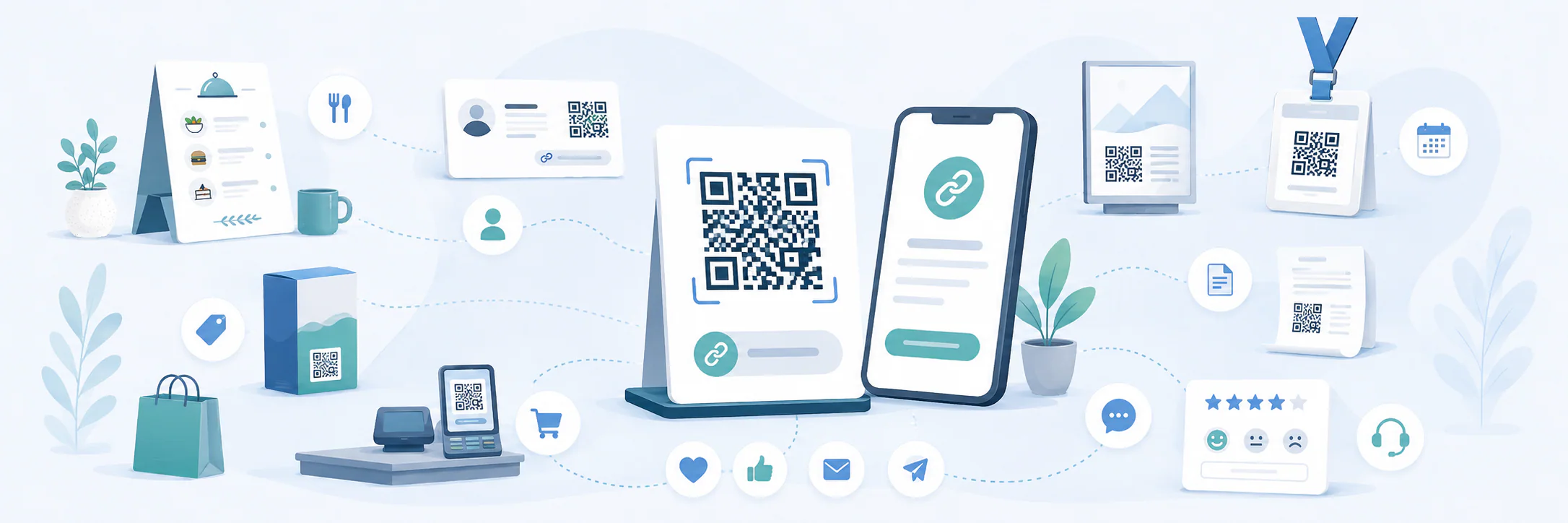
A QR code connects printed material to a page online: someone points their camera at it and immediately opens a menu, catalog, booking form, or company profile. A short link serves the same purpose when scanning a code is inconvenient. It can be typed, read aloud, or sent in a message.
For businesses, the two work best together. A QR code takes up little space and provides quick access, while a short address remains a clear fallback. With a dynamic code, you can change the destination without reprinting a menu, package, or advertising poster.
Try free MeoVC QR Code Generator
Why pair a QR code with a short link
A standard QR code can contain the full address of a page. But a long URL with folders, parameters, and tags creates a denser grid. This makes the code harder to shrink for a business card or label, while the address itself is too unwieldy to print neatly beside it.
A short link solves both problems. It creates a compact address that redirects visitors to the right page. You can place this address in the QR code and print it underneath at the same time. If the camera does not recognize the code, or someone is viewing the material on their phone, they can still open the link.
The process looks like this:
- The company creates a short link.
- It sets the destination: a menu, product page, form, or another resource.
- It creates a QR code containing the short link.
- It places the code and address next to each other in the design.
A dynamic QR code also uses an intermediate address. The owner can replace the final destination while the code image stays the same. This is especially useful for materials printed in large quantities or used for months.
10 ways to use QR codes and short links
1. Café and restaurant menus
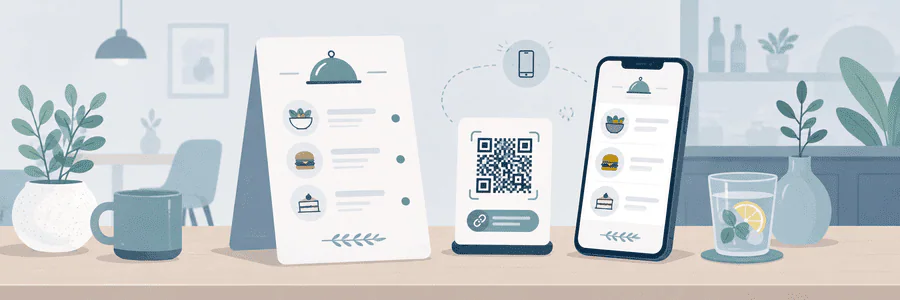
Place the code on tables, counters, windows, and printed menus. It can open the current menu, a lunch specials page, the drinks list, or an ordering form. Print a short address below the code so guests viewing it on the same phone can type the address instead.
A dynamic QR code is useful here. If prices, seasonal offers, or the address of a PDF change, you only need to update the destination. There is no need to replace the table signs. The page should load quickly on a phone, and the main menu sections should be available without requiring visitors to register.
2. Employee business cards
A QR code on a business card can open a page with the employee's name, position, phone number, email, messaging apps, and website link. No one has to copy the details manually, and the card still has room for readable text.
Each employee should have a separate short link. The company can then update a job title, phone number, or set of contact options without ordering new cards. Do not send everyone to the homepage: after a meeting, people need that employee's details, not another search through the company website.

3. Packaging and labels
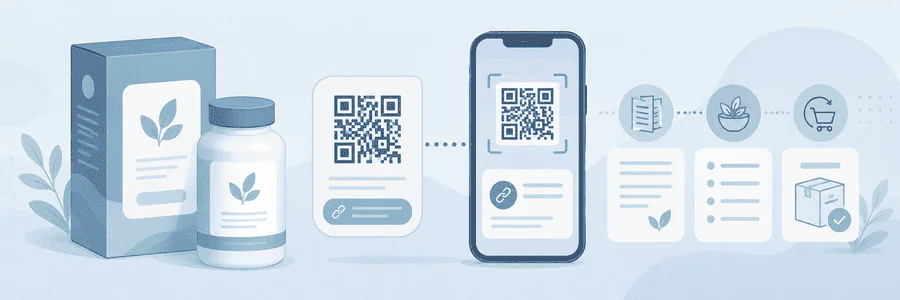
On packaging, a QR code can provide instructions, ingredients, certificates, usage tips, videos, or a reorder page. This is useful when detailed information does not fit on the label or changes frequently.
The link should lead directly to the relevant product. Sending customers to the homepage adds another step and makes them more likely to leave. Use separate short links for different products and batches so that you can update specific materials without mixing up instructions.
Test the code on an actual sample before printing. A curved bottle, glossy film, small size, or weak contrast can prevent scanning even when the file works perfectly on a monitor.
4. Outdoor and print advertising
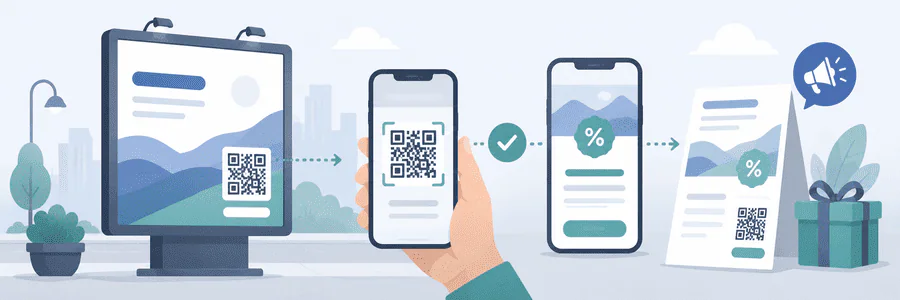
A code on a poster, flyer, display, or transit ad can open a campaign page, coupon, consultation booking form, or product selection. A short link beside it helps people who are too far from the poster or do not have time to point their camera at it.
Do not send visitors to a general page when the ad promises a specific offer. After scanning, they should see a continuation of the same ad: the same product, event, or promotional terms. You can create a separate link for each design or placement to distinguish traffic sources when analyzing the campaign.
5. Social media and messaging apps
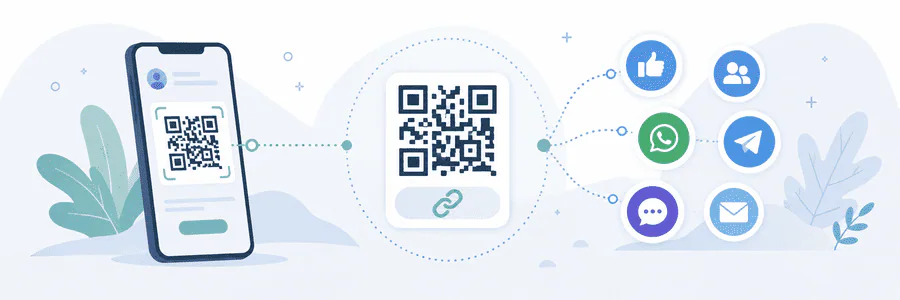
One QR code can open a page listing all the company's channels: social networks, messaging apps, videos, and newsletter signup. It works well in a store, salon, or office, as well as on packaging and in presentations.
If the campaign has one goal, give people fewer choices. A code inviting customers to contact support, for example, should open the right chat rather than a page with ten buttons. A link page works for introducing a brand; a direct link works better for a specific action.
6. Events and trade show booths
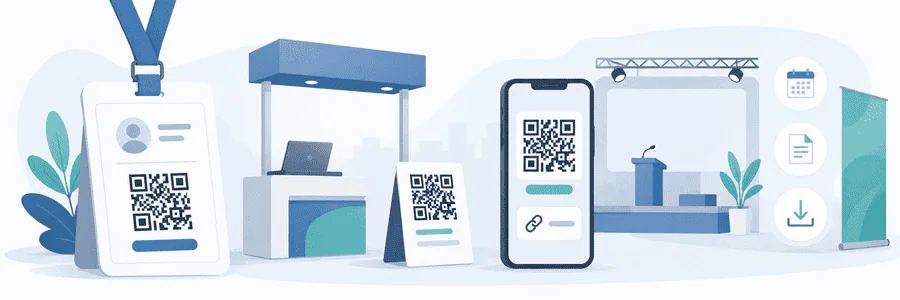
On an invitation, a QR code can open registration, a ticket, or the schedule. At the event, the same format works for a venue map, presentation materials, a question form, or exchanging contact details. A short address is easy to show on a screen: attendees can open it even from the back row, where a QR code may appear too small.
Separate links by stage. Before the event, people need registration; during it, they need the schedule and materials; afterwards, they need the recording and feedback form. A dynamic code lets you change the destination as the event progresses while keeping the same printed material.
7. Storefronts, displays, and points of sale
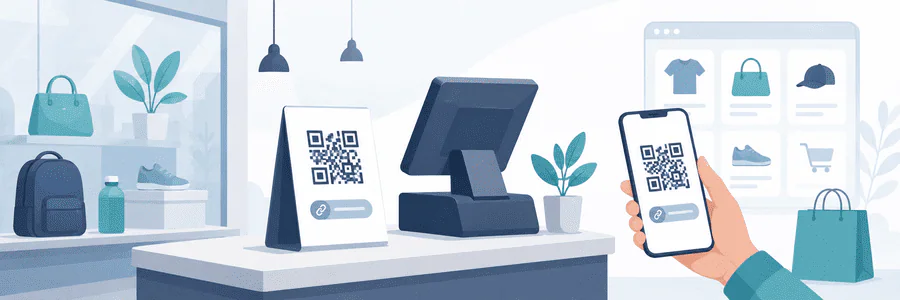
A QR code in a storefront window keeps working after the store closes. It can open a catalog, show whether an item is in stock, book a fitting, or place an order. Inside, a code on a price tag or display model can show specifications and help shoppers compare products.
Consider where people will scan it. A code behind glass must remain readable despite reflections, and a link on a price tag must open the exact product page. If the selection changes, a dynamic link can direct visitors to a replacement product or the current category.
8. Invoices, receipts, and documents
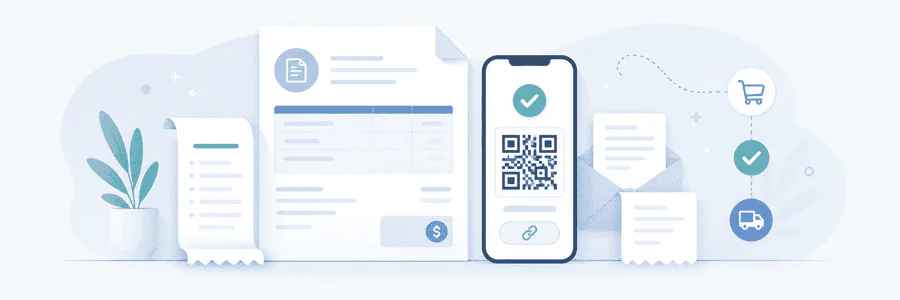
An invoice or receipt can include a QR code linking to payment, a digital copy of the document, order status, or return instructions. In a proposal, the code can open a product demonstration or a calendar for choosing a meeting time.
A clear destination page is especially important for documents. Before entering payment or personal information, users should see the company name, order number, or other details they expect. Do not put confidential information in the short address: the link can be forwarded or photographed.
9. Reviews and feedback
After a purchase, a QR code can open a short review form, a service rating, or a support request. It can appear on a receipt, an insert in the order, the reception desk, or the final screen shown after a service.
Ask for one action. If the code promises a review form, it should open that form rather than a homepage where visitors have to find the right section. Separate links are useful for different branches and contact points because each response arrives with the proper context.

10. Instructions, warranties, and support
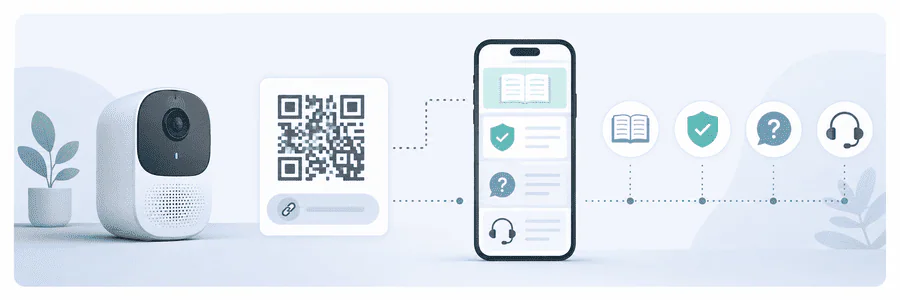
A QR code on a product or insert can open a manual, setup video, warranty registration, frequently asked questions, or a support request. Customers get help next to the product, while the manufacturer can update the material after release.
State what the code opens: “Instructions,” “Installation video,” or “Contact support.” Without a label, people have to scan the square image without knowing where it leads. For products designed to last, choose a link the company can maintain for the product's entire lifespan.
When to choose a dynamic QR code
A static code works for a permanent address that is unlikely to change. The destination is stored directly in the image, so it cannot be replaced after printing. If the page moves, you need a new code and a new print run.
Choose a dynamic code if:
- the material is printed on packaging, signage, or business cards;
- the offer and campaign pages will change;
- the same material is needed at different stages of an event;
- you need to distinguish traffic from different placements;
- the original website address may change.
A dynamic code depends on the redirect service. Before printing, check the terms of use, how long the links remain active, account access, and whether you can export the data you need. For critical materials, decide in advance who at the company owns the link and what happens if that employee changes roles.
The MeoVC free QR code generator lets you create a standard QR code. After registering, you can also use dynamic QR codes, change their destination, and view scan analytics. You can create a short link there to print beside the code.
How to prepare a QR code for use
Start with one clear action: open a menu, make a booking, pay, or download instructions. Then create a separate short link for that particular placement. Use clear names in your account, such as “storefront, August” or “business card, sales,” so you do not have to decipher a list of similar addresses months later.
Before publishing, check that:
- The destination page opens without an error and matches the promise beside the code.
- The page works well on a phone and does not add unnecessary steps.
- A short address or clear label appears below the QR code.
- The final design preserves sufficient contrast, size, and clear space around the code.
- A printed sample scans from the expected distance on several phones.
- Tags and analytics do not transmit personal or confidential data.
- The link has a responsible owner and a clear period of use.
Do not put all company materials behind one QR code. Separate links for menus, packaging, advertising, and events shorten the visitor's path and let the team update each use independently.